

IEP Service Minutes Tracker | SPED Service & Caseload Dashboard | Sheet
What you get: An .xlsx file (1 MB) you can upload or open in Google Sheets. A Google account is required to make your own copy.
Keep IEP service minutes organized without rebuilding totals every week.
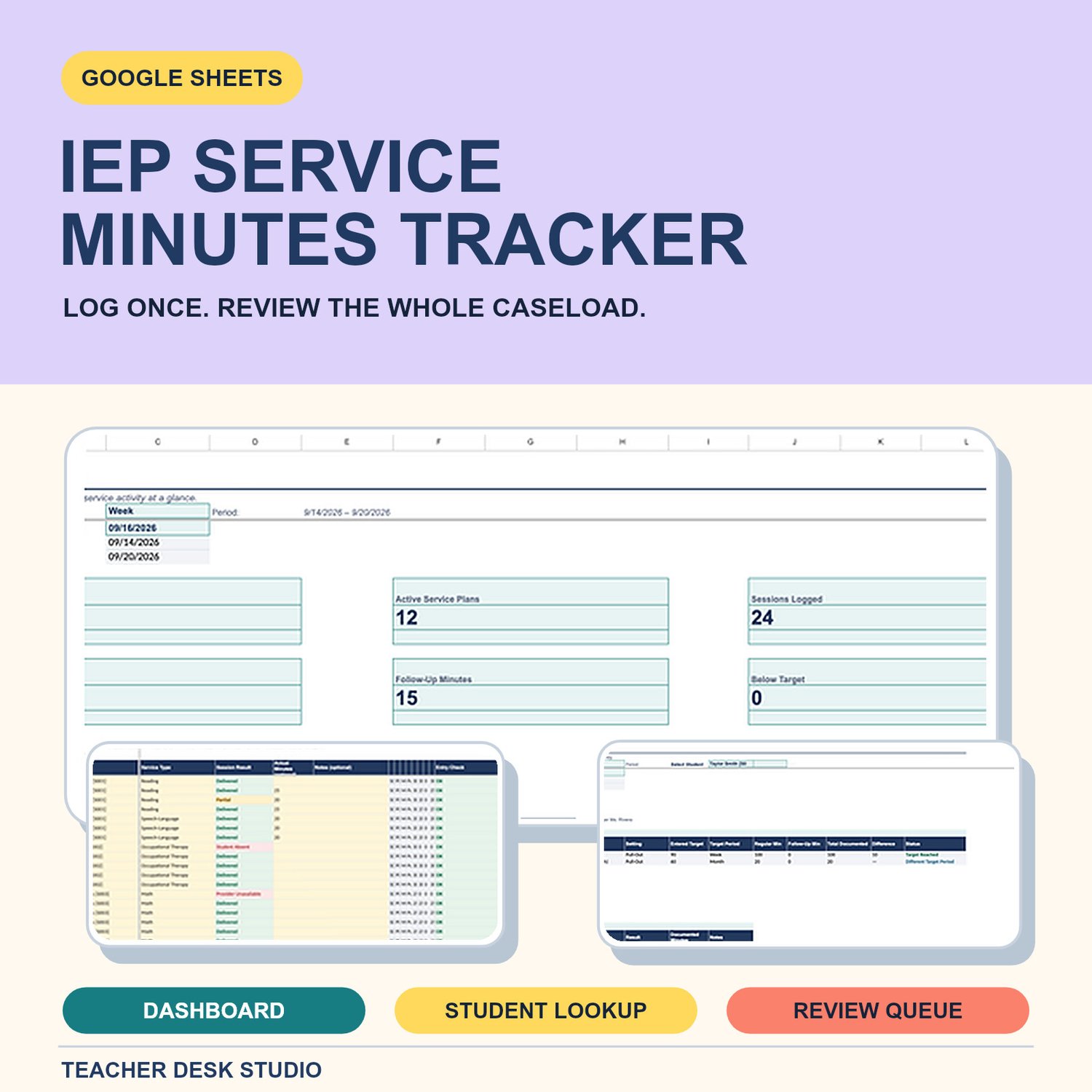
This IEP Service Minutes Tracker gives special education teachers and case managers one connected place to set up service plans, log sessions, review documented minutes, look up individual students, and see the caseload at a glance.
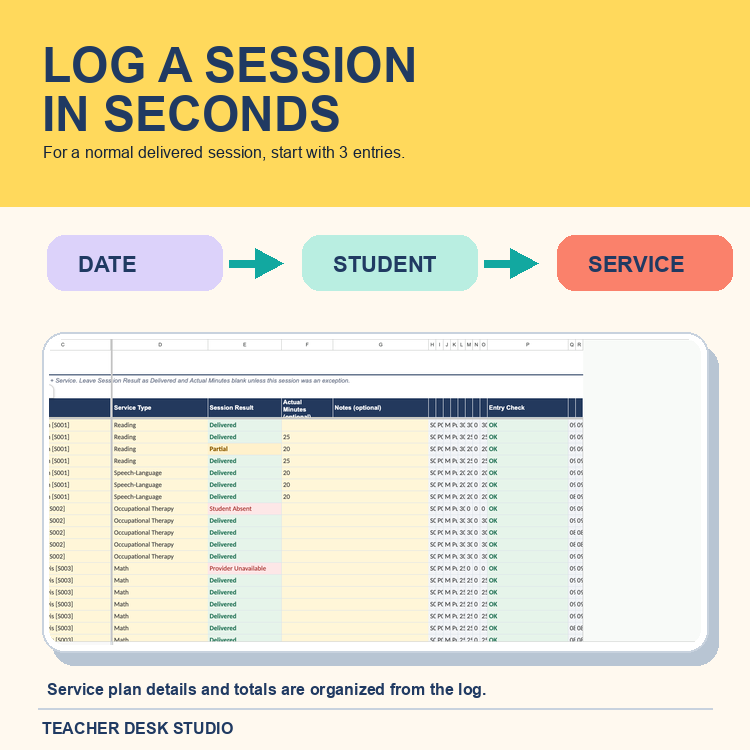
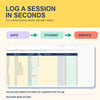
For a typical delivered session, simply choose:
Date → Student → Service
The tracker automatically pulls the matching service plan, provider, setting, and default session minutes so you do not have to enter the same information again and again.
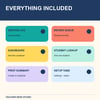
WHAT'S INCLUDED
START HERE
A simple setup guide and quick workflow overview.
STUDENTS
Enter each student once and use the same student list throughout the tracker.
SERVICE PLANS
Set up multiple services for each student, including service type, provider, setting, entered target minutes, target period, default session minutes, and plan dates.
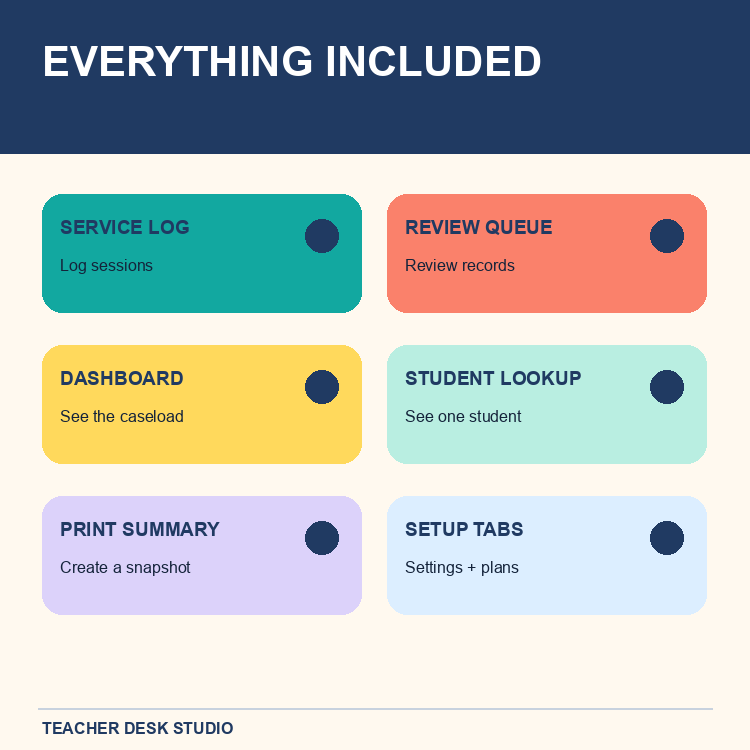
SERVICE LOG
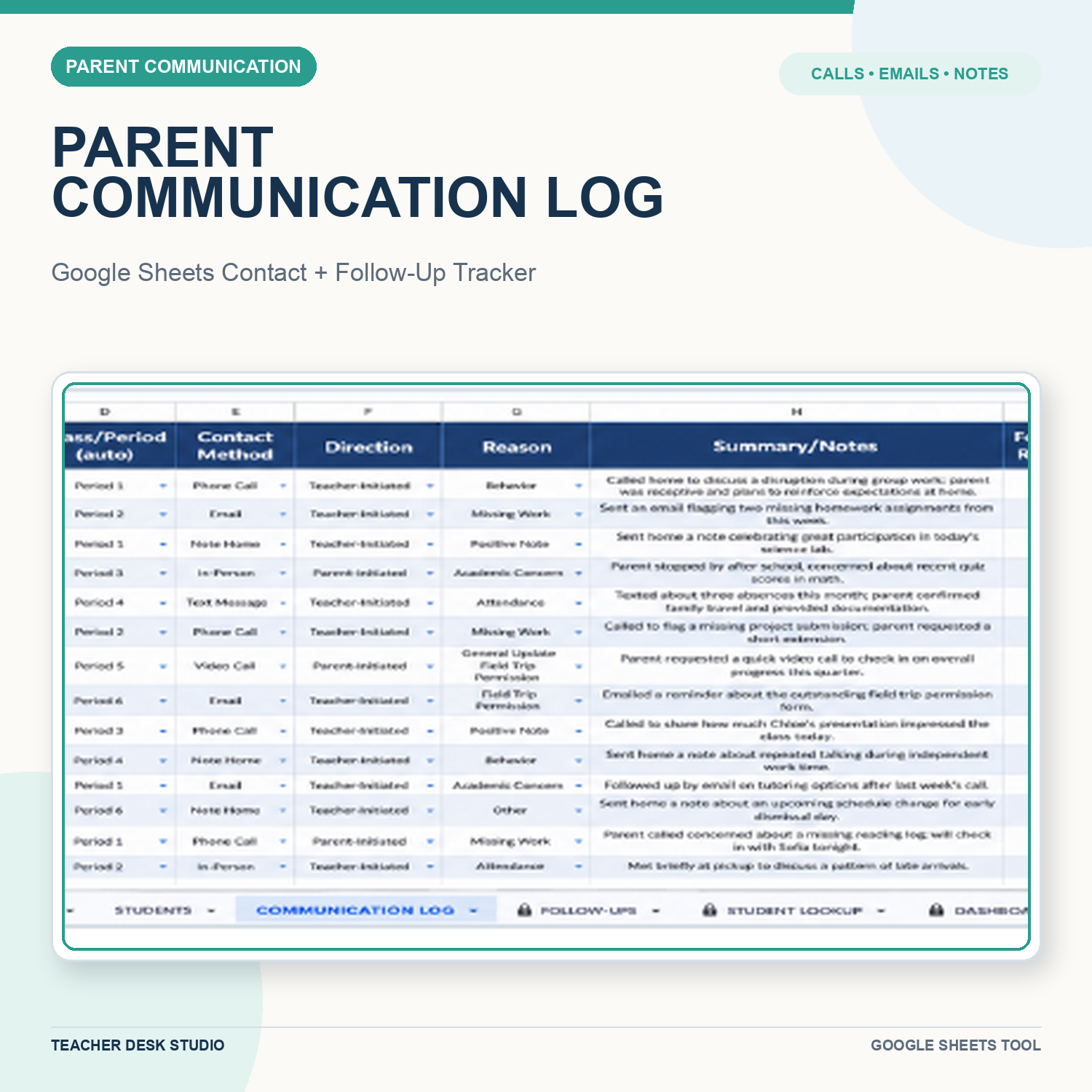
Quickly document service sessions with minimal daily entry. The sheet automatically calculates regular minutes, follow-up/make-up minutes, and total documented minutes.
REVIEW QUEUE
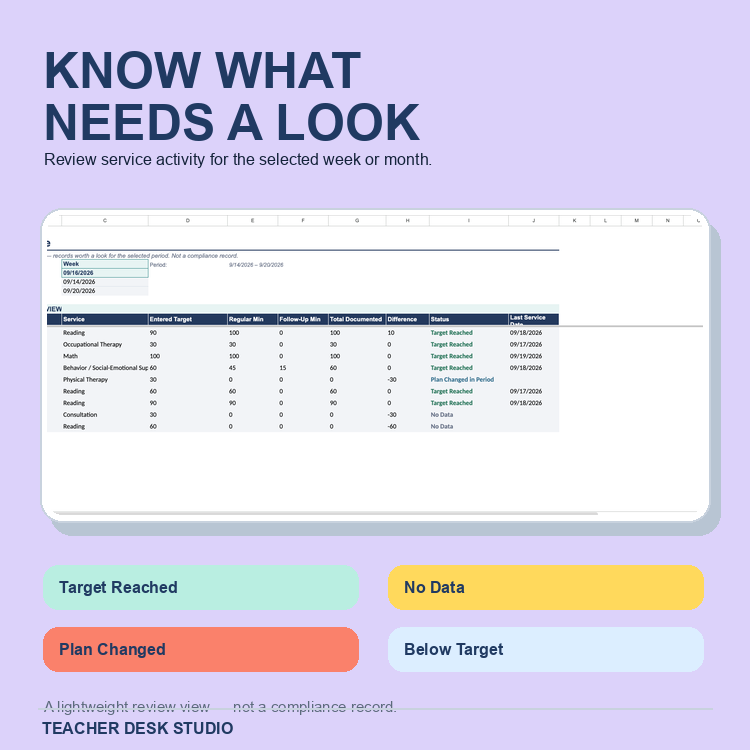
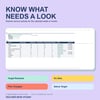
See service plans and session records that may need a closer look for the selected week or month.
CASELOAD DASHBOARD
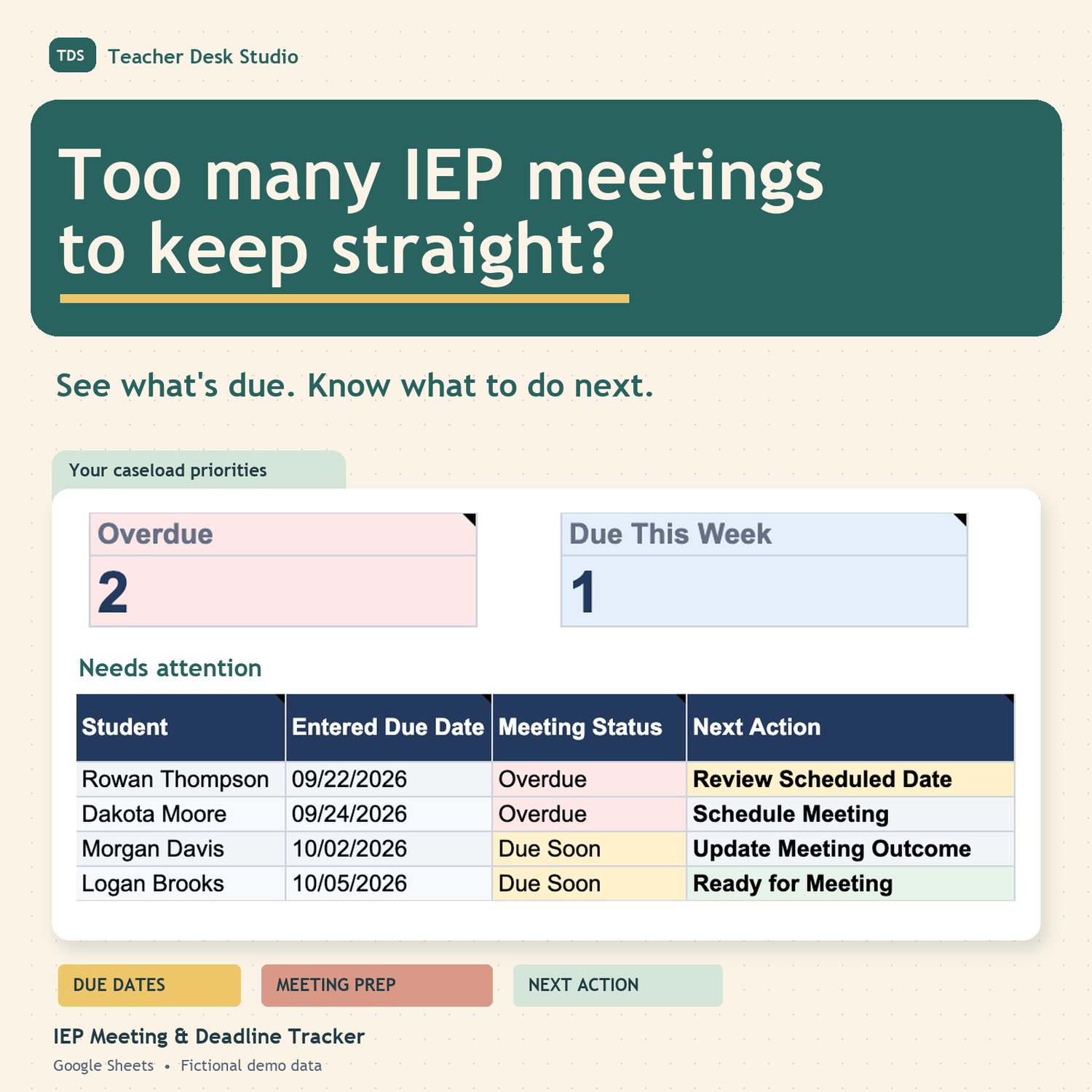
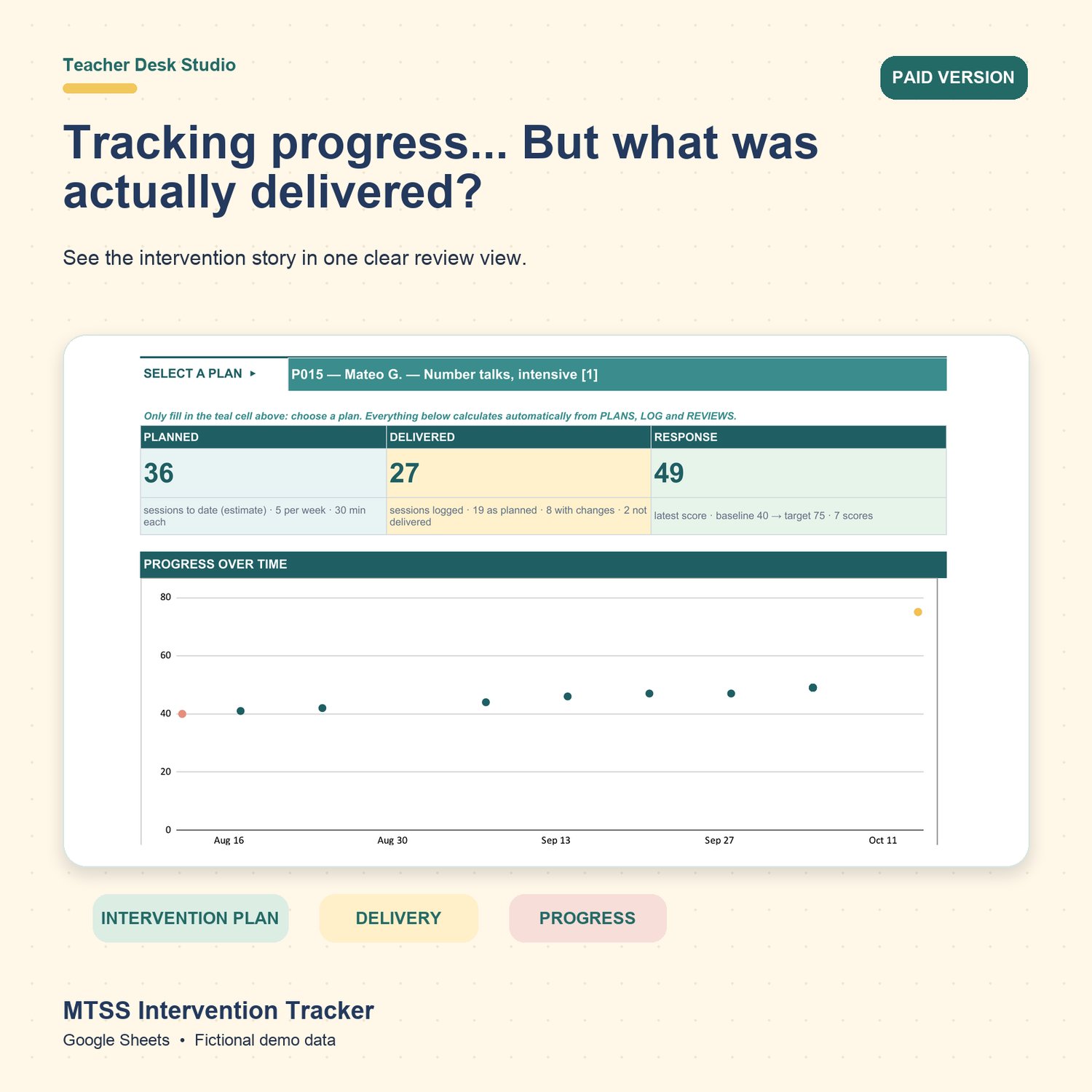
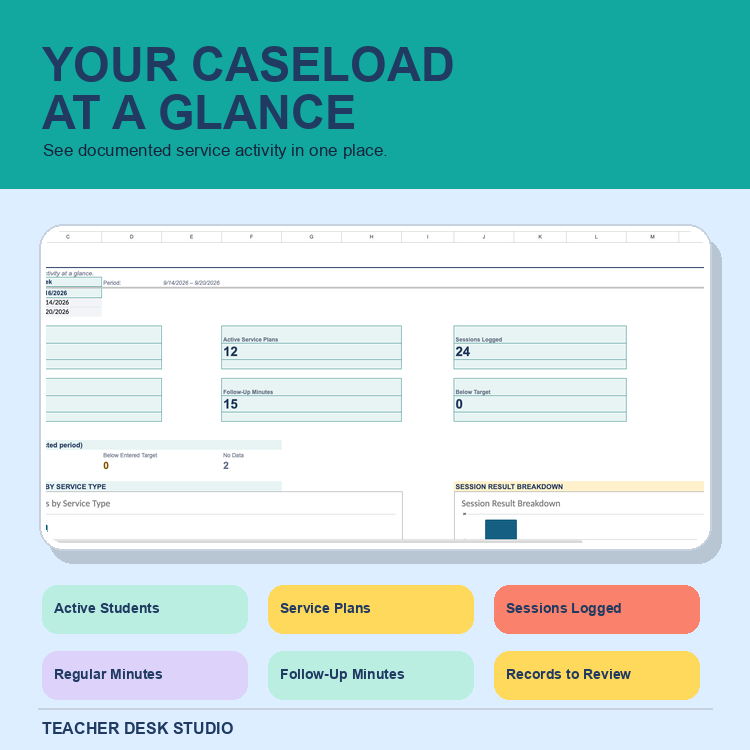
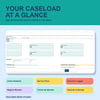
Review active students, active service plans, sessions logged, documented minutes, follow-up minutes, and service-plan status at a glance.
STUDENT LOOKUP
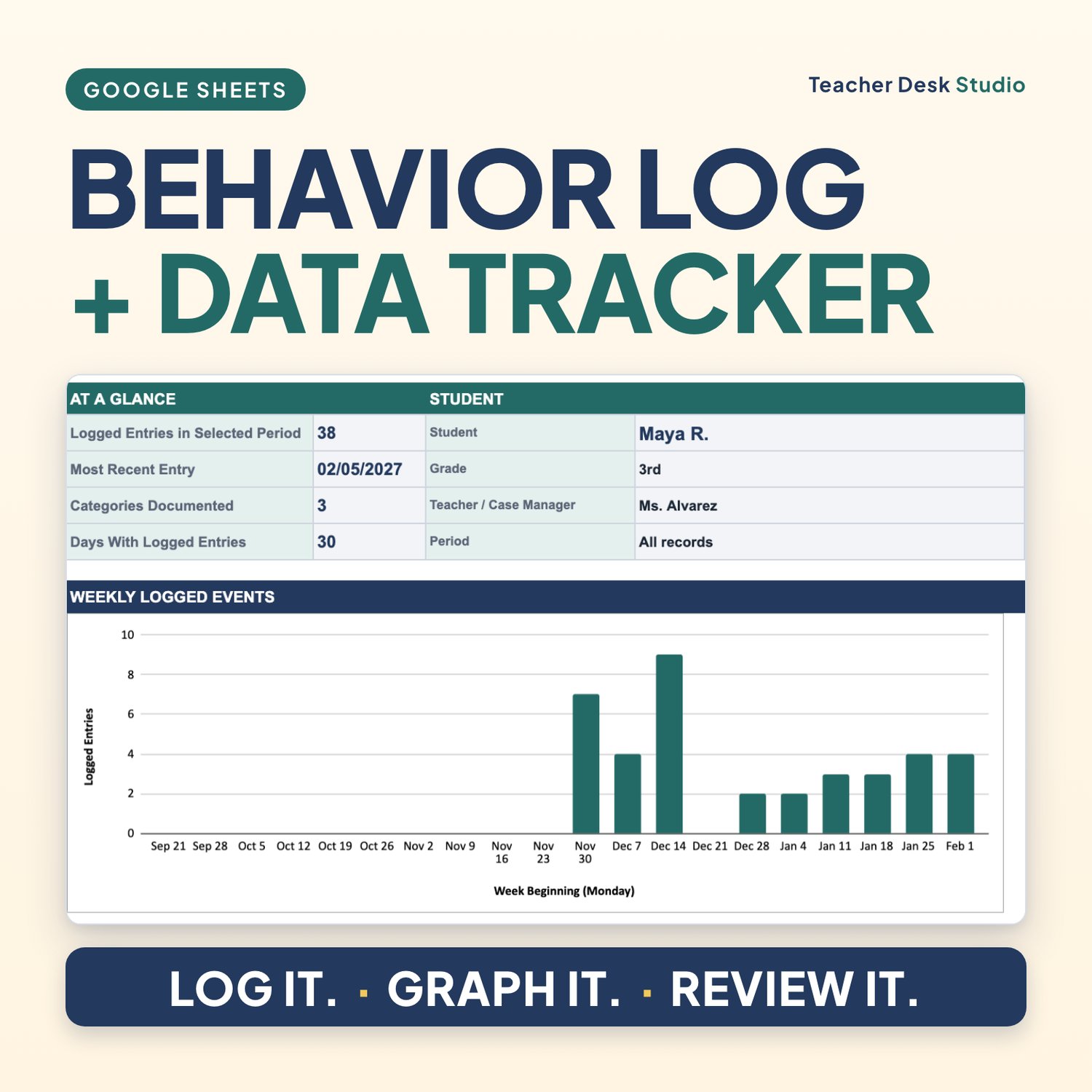
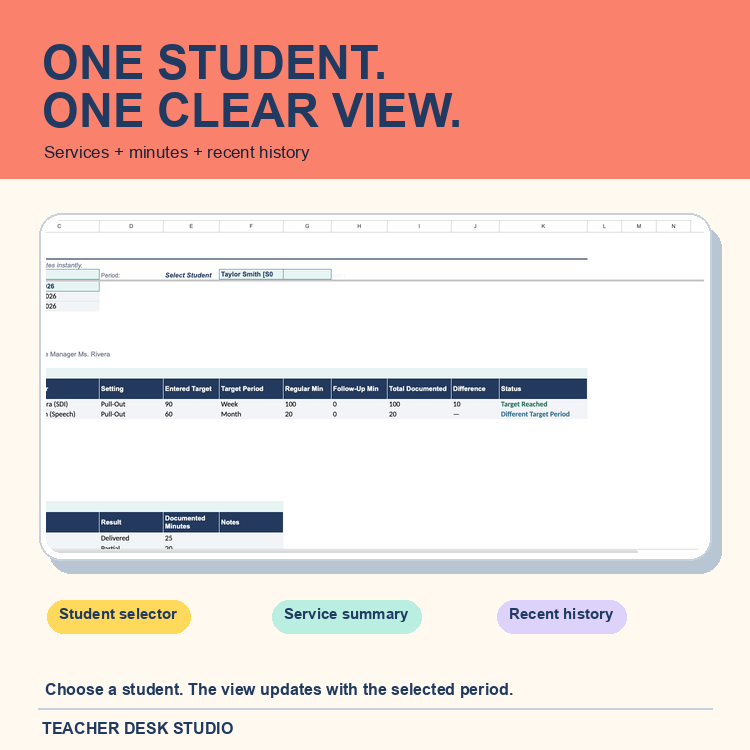
Choose one student to instantly view their active services, documented minutes, targets, status, and recent service history.
PRINT SUMMARY
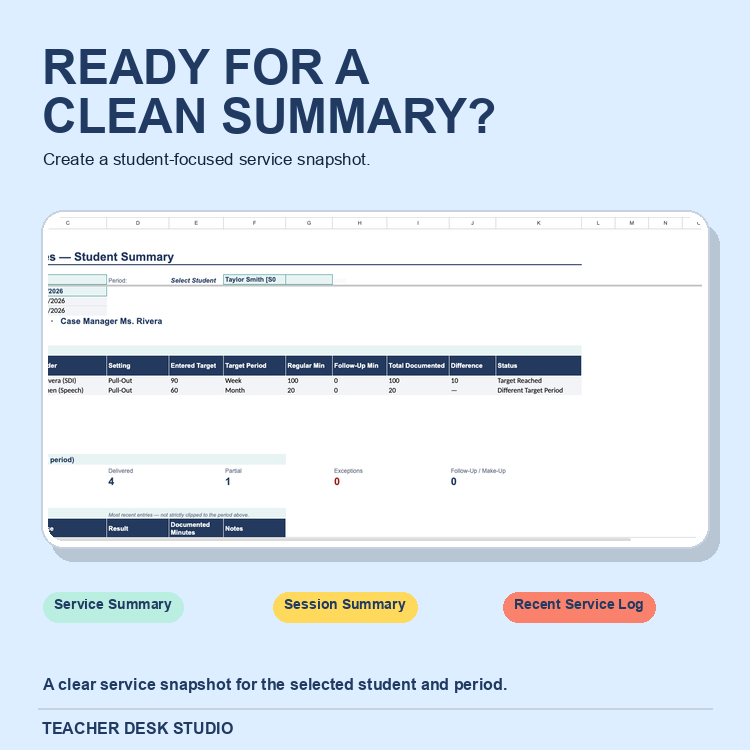
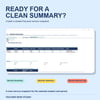
Create a clean student-level summary for your own organization, meetings, or documentation workflow.
SETTINGS
Customize grades, case managers, providers, service types, and delivery settings.
DESIGNED TO SAVE TIME
Instead of entering the same information for every session, the tracker uses your student roster and service plans to automate much of the daily workflow.
For a normal delivered session, you usually only need to select:
1. Service Date
2. Student
3. Service Type
The rest is calculated or retrieved automatically whenever possible.
HELPFUL FEATURES
- Supports multiple services per student
- Weekly and monthly review options
- Automatic service-plan matching
- Automatic documented-minute calculations
- Separate regular and follow-up/make-up minutes
- Student lookup
- Caseload dashboard
- Review queue
- Printable student summary
- Editable dropdown lists
- Date-picker fields
- No Apps Script required
- 150-student capacity
- Up to 250 service plans
- Up to 1,750 service-log entries
WHO IS THIS FOR?
Designed primarily for:
Special education teachers
SPED case managers
Resource teachers
It may also be useful for related-service providers who want a simple organizational service log.
IMPORTANT
This resource is an organizational and documentation tool. It does not determine legal compliance, compensatory services, or whether IEP requirements have been satisfied.
Always follow your school, district, and local requirements for service documentation, student information, privacy, and official educational records.
Consider using initials, local student IDs, or other district-approved identifiers when appropriate.
DIGITAL RESOURCE
No physical product will be shipped.
Demo data shown in previews is fictional.