
Behavior Tracker Sheets | Behavior Log, Graphs & Student Summary
What you get: An .xlsx file (429 KB) you can open in Google Sheets.
Student Behavior Tracker Google Sheets | Behavior Log, Graphs & Student Summary
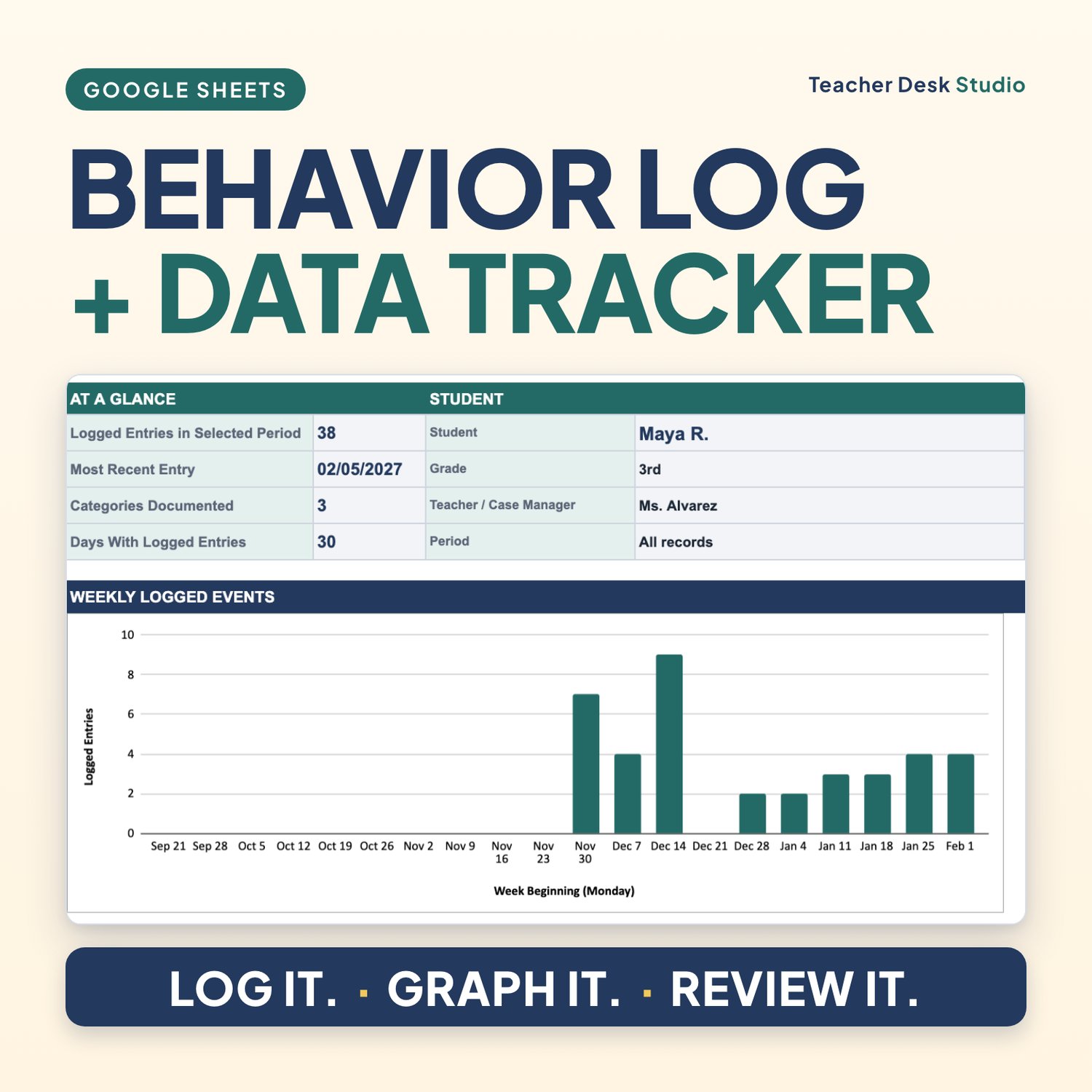
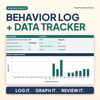
LOG IT. GRAPH IT. REVIEW IT.
Looking for a behavior tracker in Google Sheets that keeps student documentation organized without making you build your own graphs?
This editable student behavior log and data tracker helps special education teachers, IEP case managers, and classroom teachers record observable behaviors, automatically count logged events, and review student-specific information before support-team or parent meetings.
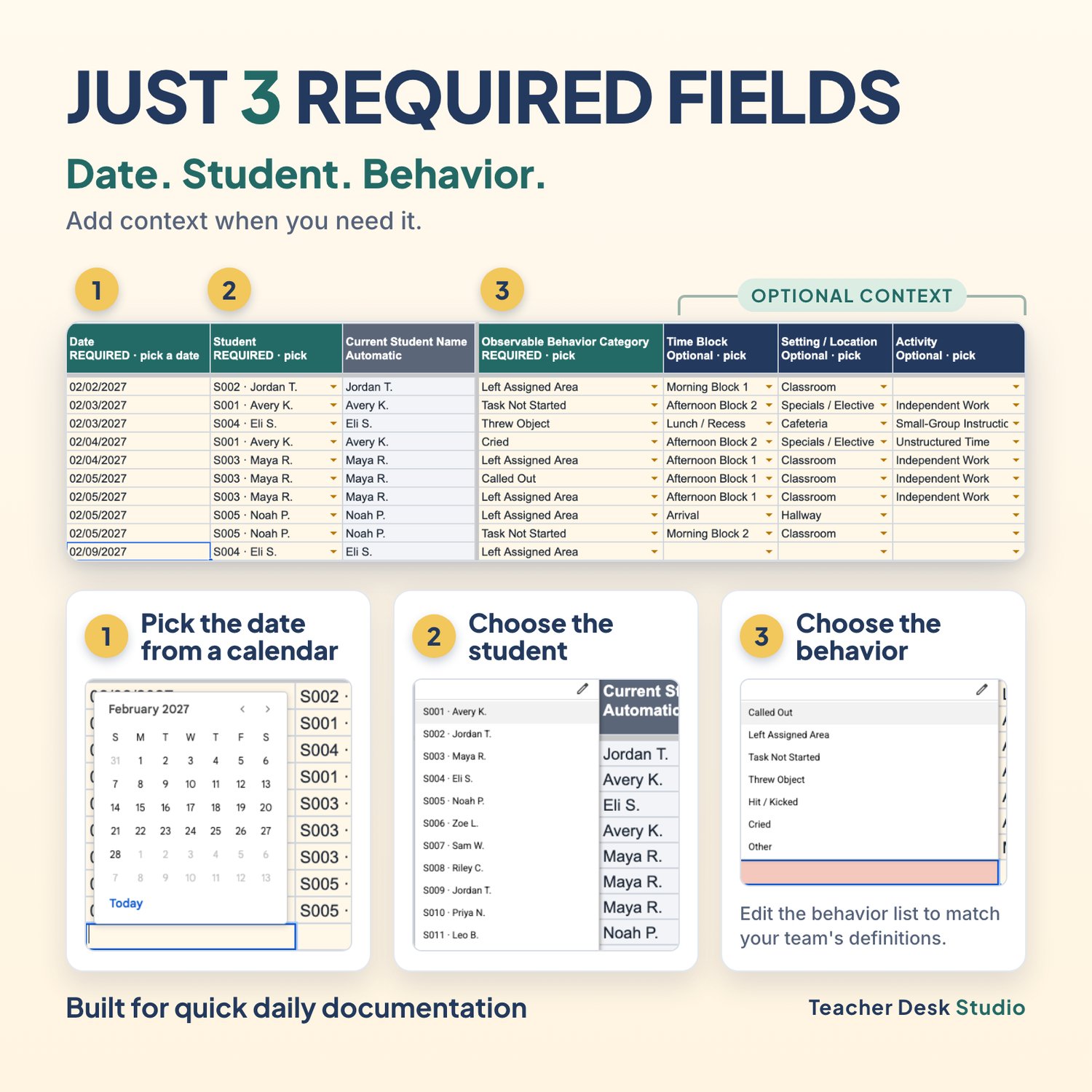
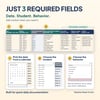
Just 3 required fields: Date, Student, and Behavior Category. Add more context whenever it's useful. The spreadsheet handles the counting and graphing automatically!
WHAT'S INCLUDED
5 connected Google Sheets tabs:
- START HERE — Quick instructions and customizable behavior dropdown lists.
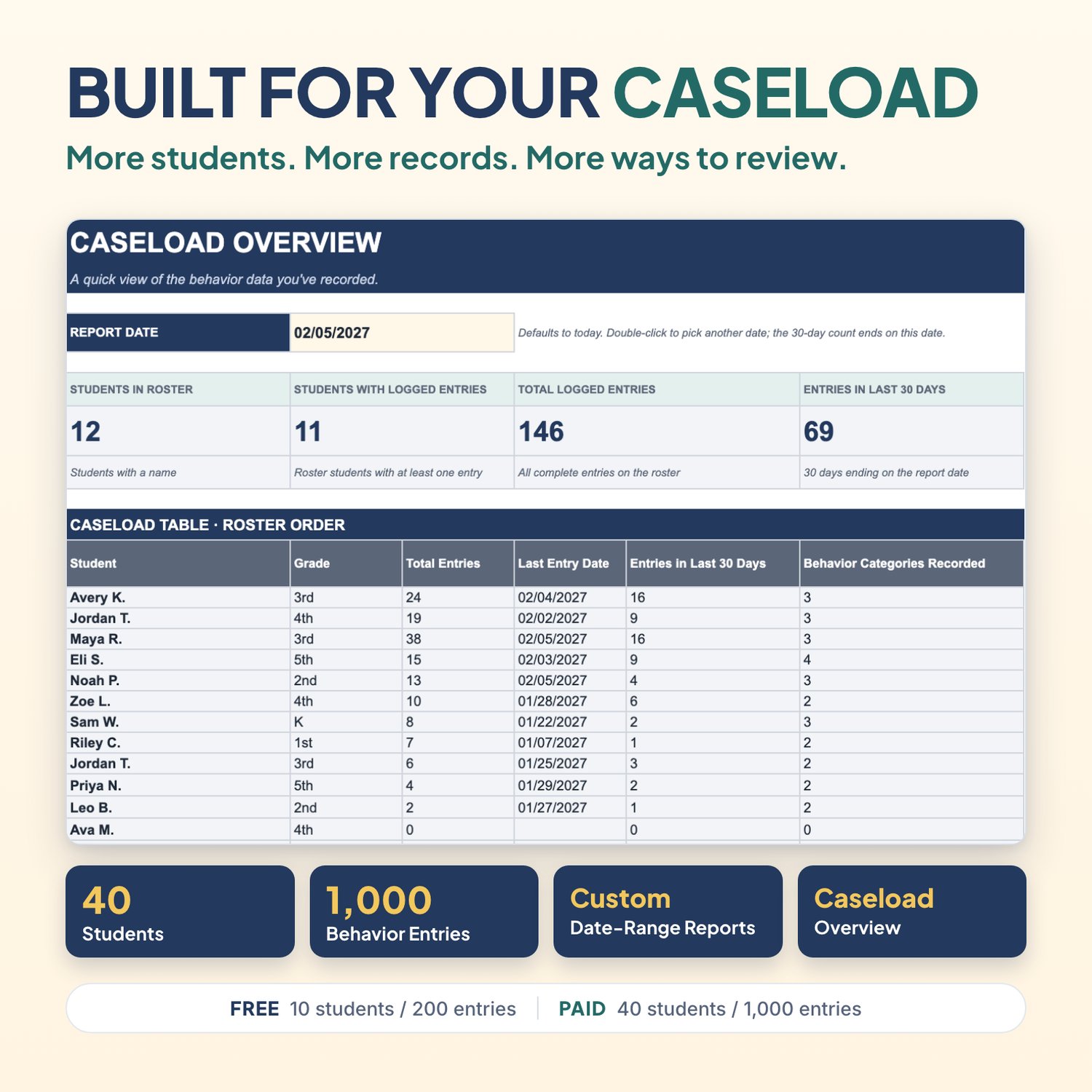
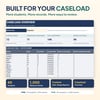
- CASELOAD OVERVIEW — View student counts, logged entries, recent activity, and caseload-wide statistics.
- STUDENTS — Organize a roster of up to 40 students with automatically calculated totals.
- BEHAVIOR LOG — Record observations using dropdowns, calendar date selection, and optional contextual details.
- STUDENT SUMMARY — Select a student to review automatic graphs, category counts, recent records, and date-filtered summaries.
QUICK BEHAVIOR DOCUMENTATION
Choose just three required fields to create a basic entry:
- Date
- Student
- Observable Behavior Category
Optional fields let you document the time block, setting, activity, what happened before, what was observed, staff response, what happened afterward, duration, and notes.
Behavior categories and other dropdown choices are editable to fit your team's terminology.
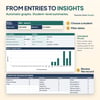
AUTOMATIC GRAPHS & STUDENT SUMMARIES
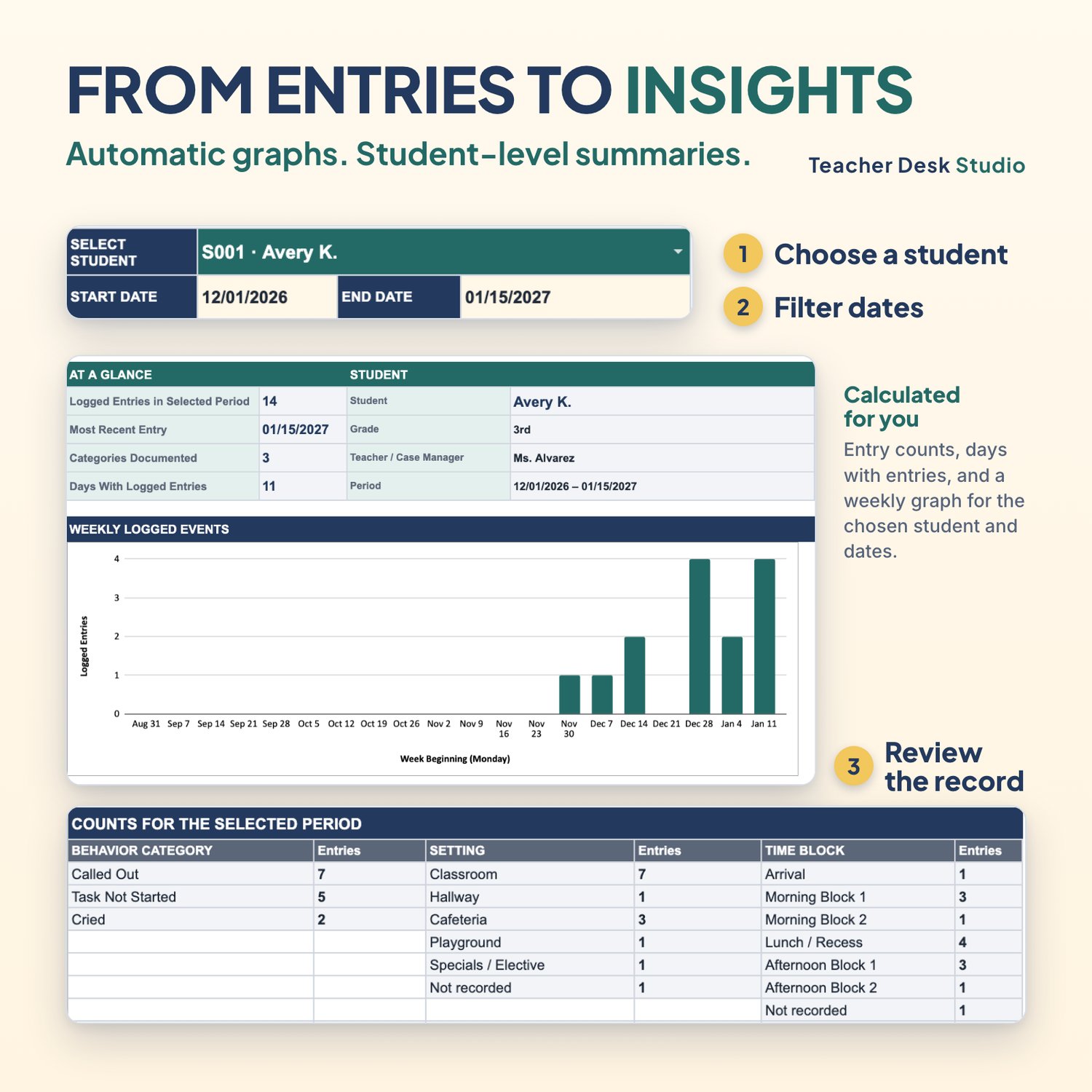
Select a student and let Google Sheets automatically display:
- Total logged behavior events
- Most recent entry
- Number of days with entries
- Weekly recorded-event graph
- Counts by behavior category
- Setting and time-block breakdowns
- Recent behavior records
Use the custom Start Date and End Date selectors to focus on a specific reporting period.
The Student Summary is designed for reviewing documented observations and can be printed for reference during meetings.
BUILT FOR YOUR CASELOAD
The Paid edition supports:
40 Students | 1,000 Behavior Entries
With an additional Caseload Overview, expanded reporting capacity, date-range filtering, and more detailed student summaries, this version is especially useful for educators documenting observations across multiple students.
GREAT FOR
- Special education teachers
- IEP case managers
- MTSS and student-support teams
- Classroom behavior documentation
- Preparing data for IEP, RTI/MTSS, and parent meetings
- Organizing observational records over time
HOW TO USE
Open the Google Sheets resource, make your own copy, add your students, and begin logging observations.
Google Sheets required. No Apps Script, macros, or add-ons.
IMPORTANT NOTES
This resource counts the entries recorded in the spreadsheet. Changes in counts may also reflect changes in observation or recording frequency.
It is an organizational and descriptive documentation tool. It does not diagnose behavior, determine behavior function, generate FBA/BIP decisions, or replace district-required systems or professional evaluations.
Follow your school's privacy and data-storage policies when using student information.
Teacher Desk Studio — Practical Google Sheets tools for organized teachers.