
MTSS Intervention Tracker | Intervention Log, Progress & Review
What you get: An .xlsx file (797 KB) you can open in Google Sheets.
Intervention plans, session notes, and progress data often end up in different places.
This Google Sheets MTSS / RTI Intervention Tracker brings them into one connected workflow so you can see:
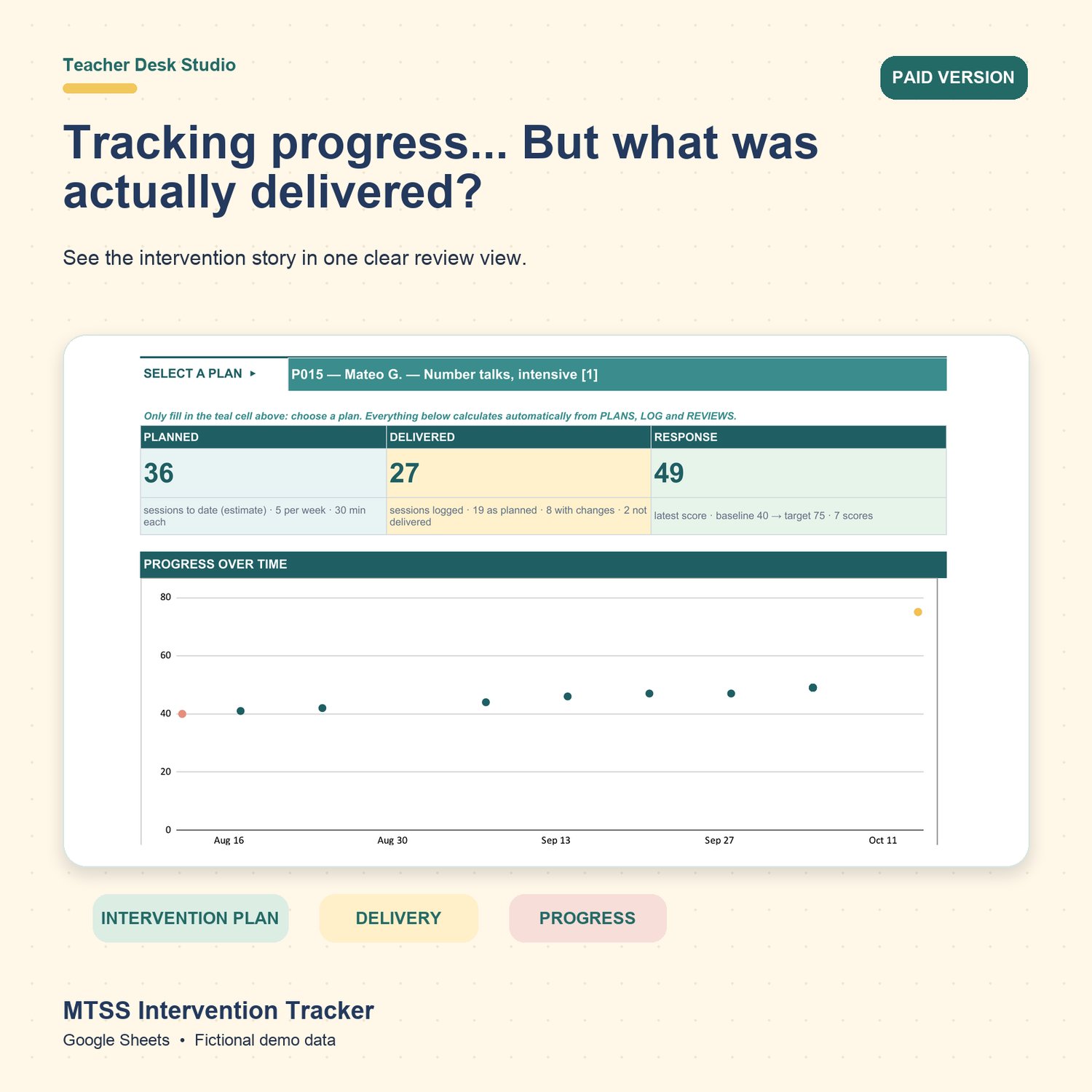
What was planned?
What was actually delivered?
How did the student respond?
What evidence is ready for the next review?
PLAN IT. LOG IT. MONITOR IT. REVIEW IT.
Create an intervention plan, log intervention sessions and progress scores in one place, and use the built-in review tools to organize evidence for MTSS / RTI meetings.
⭐ WHAT MAKES THIS TRACKER DIFFERENT?
Many progress-monitoring trackers focus only on student scores.
This resource also helps you document what intervention was actually delivered.
For each intervention plan, you can connect:
✓ Intervention plan
✓ Planned frequency and minutes
✓ Session delivery
✓ Progress-monitoring scores
✓ Baseline and target
✓ Review dates
✓ Team decisions
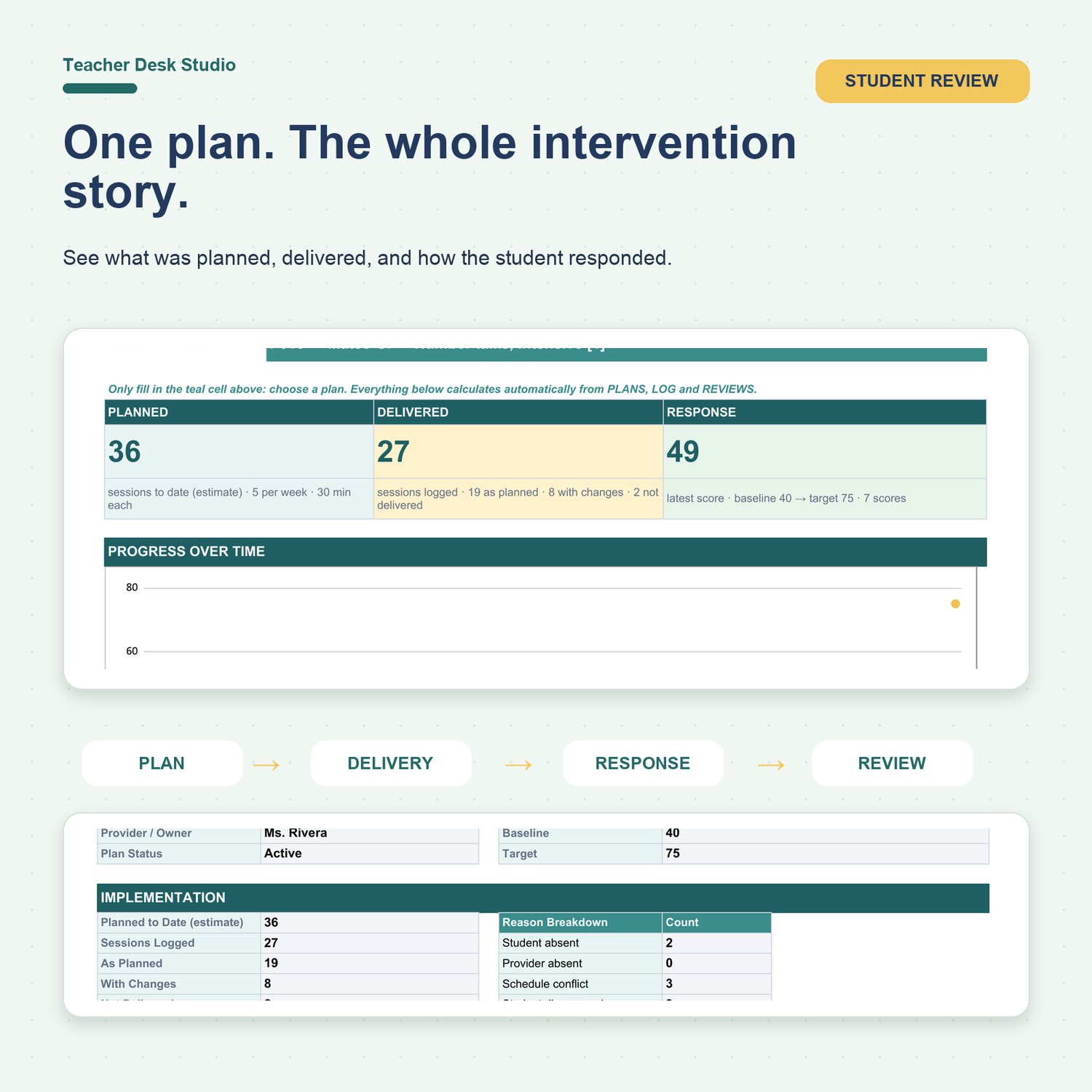
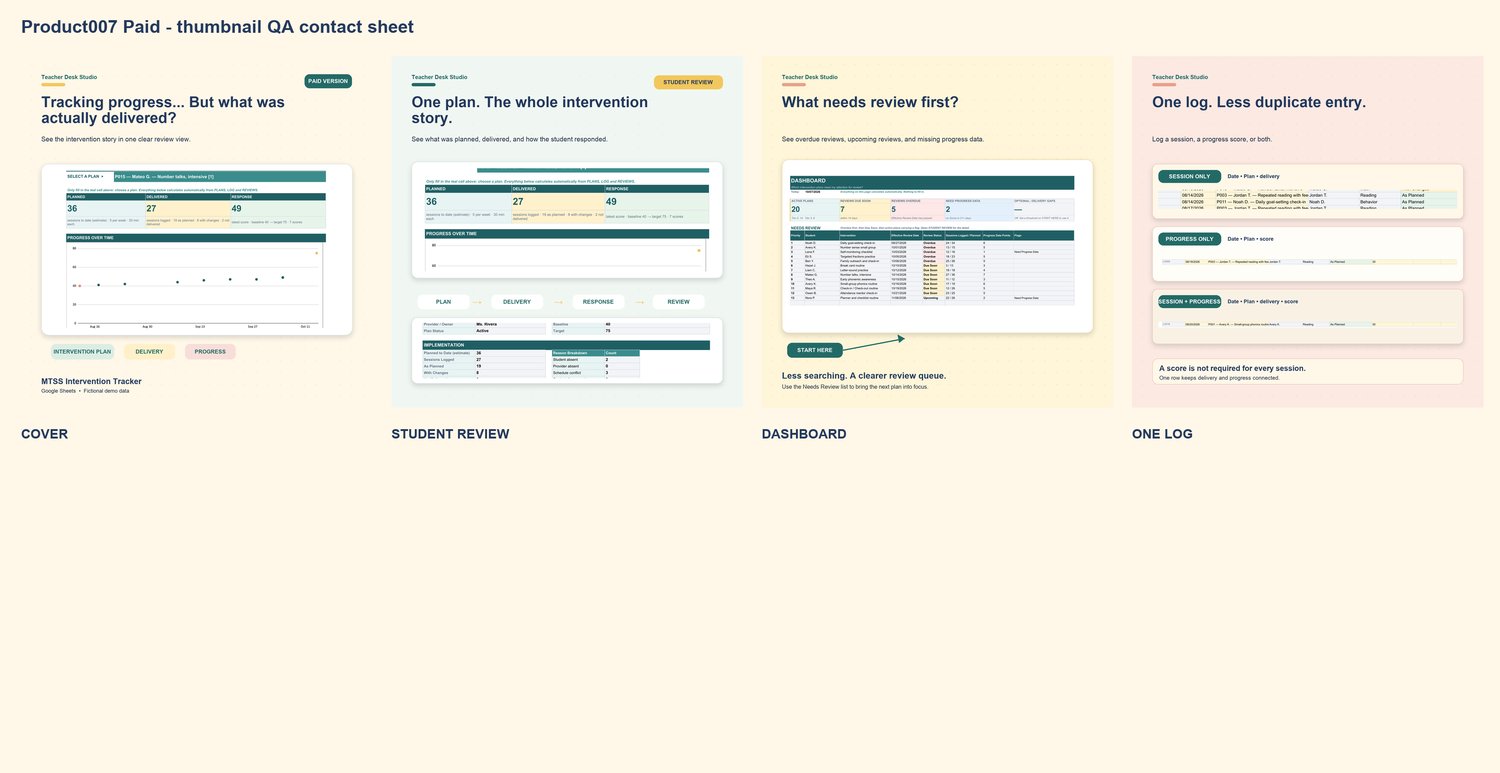
The Student Review page then brings the intervention story together in one place:
PLANNED → DELIVERED → RESPONSE → REVIEW
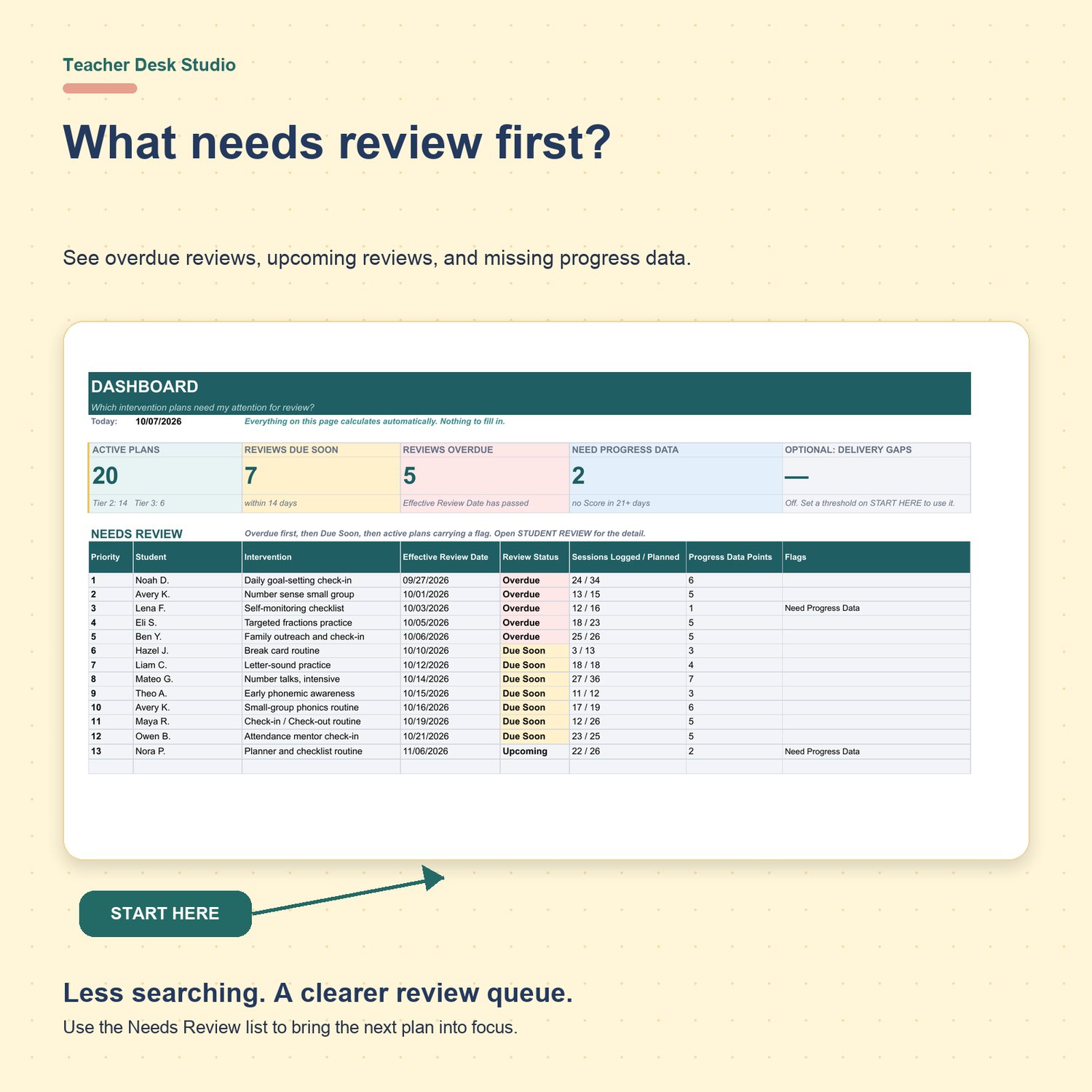
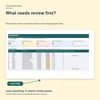
📊 DASHBOARD — KNOW WHAT NEEDS REVIEW
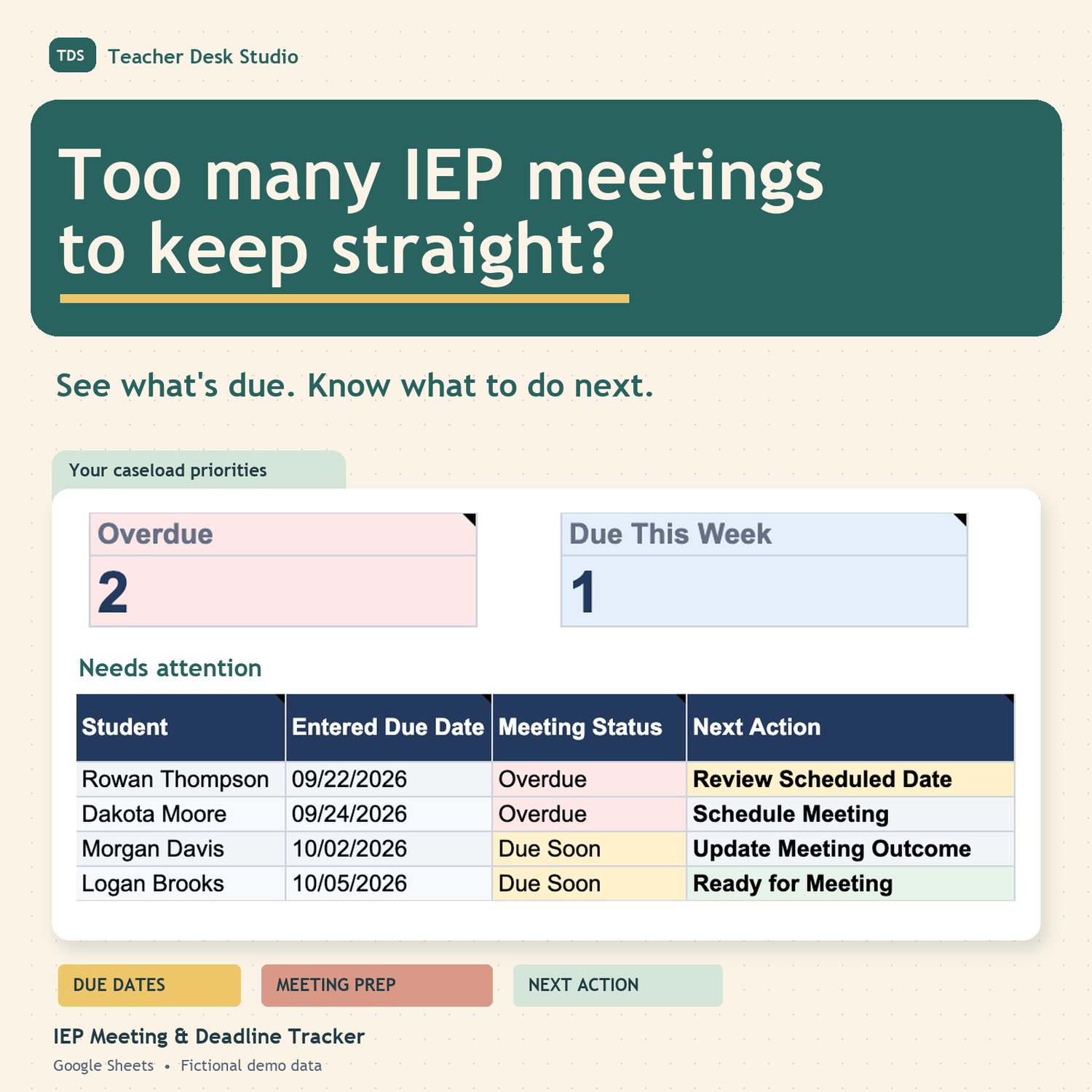
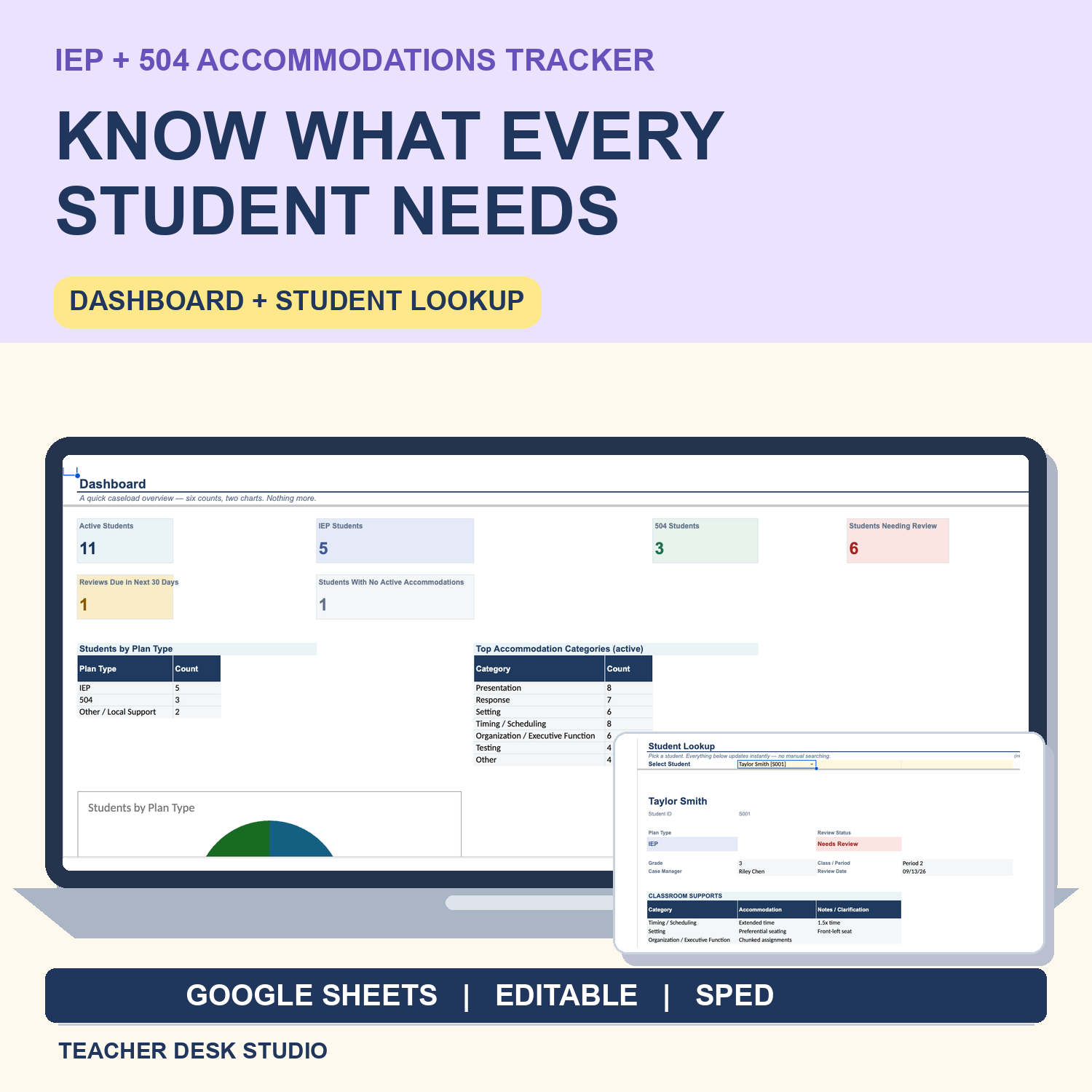
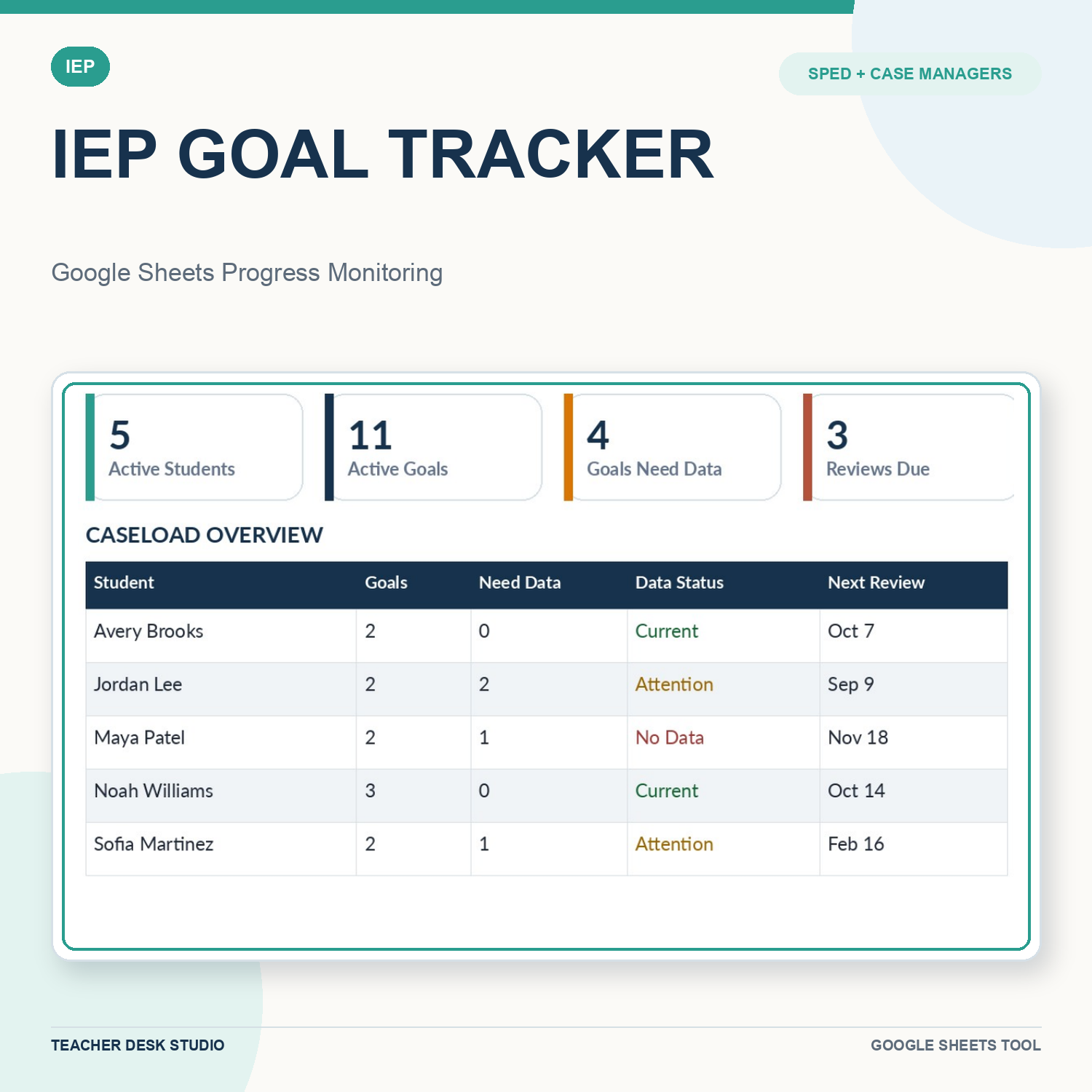
The Dashboard automatically helps you identify active plans that may need attention.
See:
✓ Active Plans
✓ Reviews Due Soon
✓ Reviews Overdue
✓ Plans Needing Progress Data
✓ Needs Review priority list
The Dashboard is designed for organization and review preparation. It does not make intervention or tier-placement decisions for you.
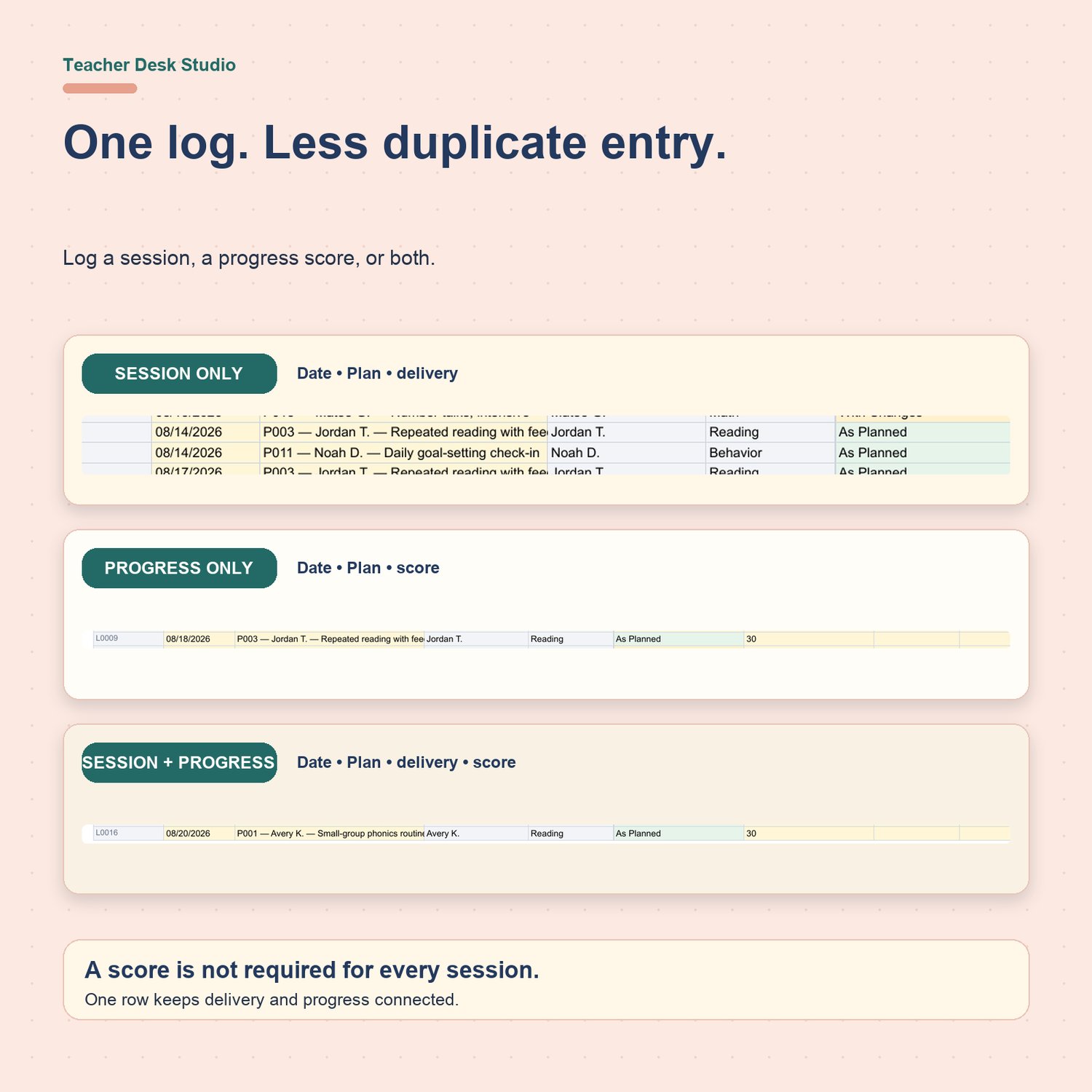
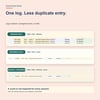
📝 ONE LOG FOR SESSIONS + PROGRESS
You do not need separate session and progress-monitoring spreadsheets.
Each LOG row can be:
SESSION ONLY
Record the intervention session without a score.
PROGRESS ONLY
Record a progress-monitoring score without a session.
SESSION + PROGRESS
Record both on the same row.
A progress score is not required for every intervention session.
Track:
• Date
• Intervention Plan
• Student
• Need Area
• Delivered as Planned?
• Minutes
• Reason / barrier
• Progress Score
• Notes
📋 INTERVENTION PLANS
Create structured intervention plans with:
• Student
• Need Area
• Intervention
• Support Level
• Start Date
• Planned Sessions per Week
• Planned Minutes per Session
• Progress Measure
• Score Direction
• Baseline
• Target
• Review Date
• Plan Status
Optional fields allow additional detail without cluttering the main workflow.
Use the tracker for areas such as:
• Reading
• Math
• Behavior
• Attendance
• Executive Function
• SEL / Regulation
• Other locally defined needs
📈 STUDENT REVIEW
Select an intervention plan to create one evidence page showing:
PLANNED
• Planned sessions to date
• Frequency and duration
• Intervention details
DELIVERED
• Sessions logged
• As Planned
• With Changes
• Not Delivered
• Reason breakdown
RESPONSE
• Baseline
• Latest Score
• Target
• Change from baseline
• Number of progress data points
• Progress Over Time graph
REVIEW
• Latest team decision
• Next review date
• Recent review history
This view is especially useful when preparing for an MTSS / RTI problem-solving or intervention review meeting.
👥 TEAM REVIEW HISTORY
Document team-selected decisions such as:
• Continue
• Adjust
• Intensify
• Fade / Reduce Support
• Exit Intervention
• Team Review Needed
• Other
The spreadsheet never chooses a decision automatically.
✅ INCLUDED
Paid version supports:
• Up to 100 students
• Up to 150 intervention plans
• Up to 6,000 log entries
• Up to 500 review records
Also included:
• Blank working version
• Fictional Demo version
• Editable dropdowns and settings
• Automatic review statuses
• Progress graph
• Student Review
• Needs Review Dashboard
• No Apps Script
• No macros
👩🏫 GREAT FOR
• Reading interventionists
• Math interventionists
• Special education teachers
• Classroom teachers providing Tier 2 / Tier 3 intervention
• MTSS / RTI coordinators
• School counselors
• Instructional coaches
• Student-support teams
💻 GOOGLE SHEETS
This resource is designed for Google Sheets.
Make your own working copy before entering student information.
For privacy, follow your school or district procedures for storing student information. Initials or locally approved identifiers may be used instead of full names.
IMPORTANT NOTE
This resource is an organizational and documentation tool.
It does not diagnose students, determine eligibility, assign or move intervention tiers, recommend referrals, certify intervention fidelity, determine intervention effectiveness, or replace professional team judgment.
Follow your school or district MTSS / RTI procedures.